

Prepare for the next arrival
Reservations, table assignments and preorders.
Digital QR menus, online reservations and guest management for restaurants.
Give your team the context to make every welcome more personal.
From discovering a dish to returning for dinner, connect the details that make each visit personal.
See how it connects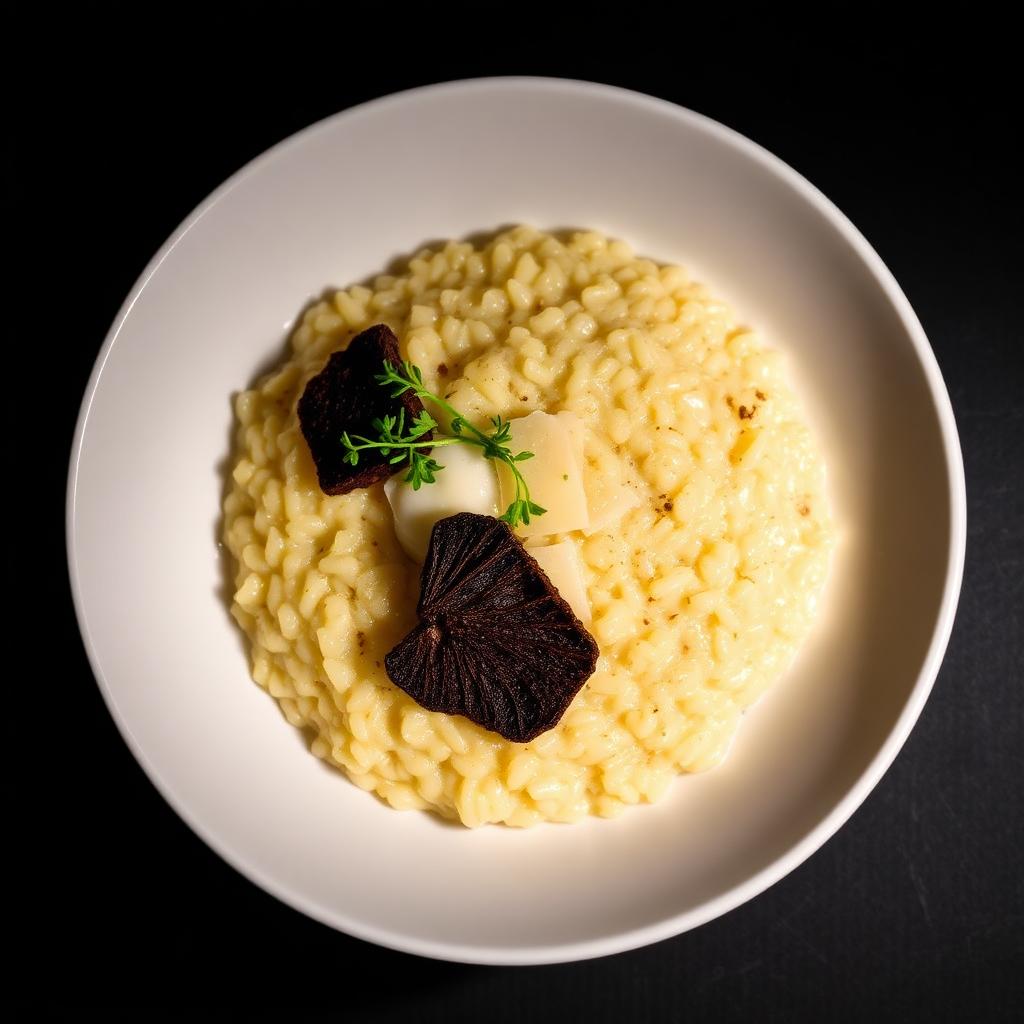
Arborio rice, wild mushrooms, parmesan
VegetarianMore than a name and a price. A reason to try something new.
A glimpse of the possibilities · Sample restaurant & guest details
Three moments to make an impression. One platform to connect them.
A scan should open up an appetite. Bring dishes to life with descriptions, dietary details and suggested pairings, in a menu that feels like your restaurant.
A dish worth discoveringArborio rice, wild mushrooms, parmesan
Make choosing part of the experience.
Help guests explore what makes each dish special, straight from their browser.
Give guests a welcoming experience and your team a useful view of the relationship. Built around the moments before, during and after a visit.
A menu visit, a booking and a piece of feedback each tell part of the story. LuminaDine brings guest touchpoints into one platform, with a workspace for your team.
Explore the restaurant workspaceReservations, table assignments and preorders.
Profiles, Guest Cards and visit history.
Guest feedback and requests for your team.
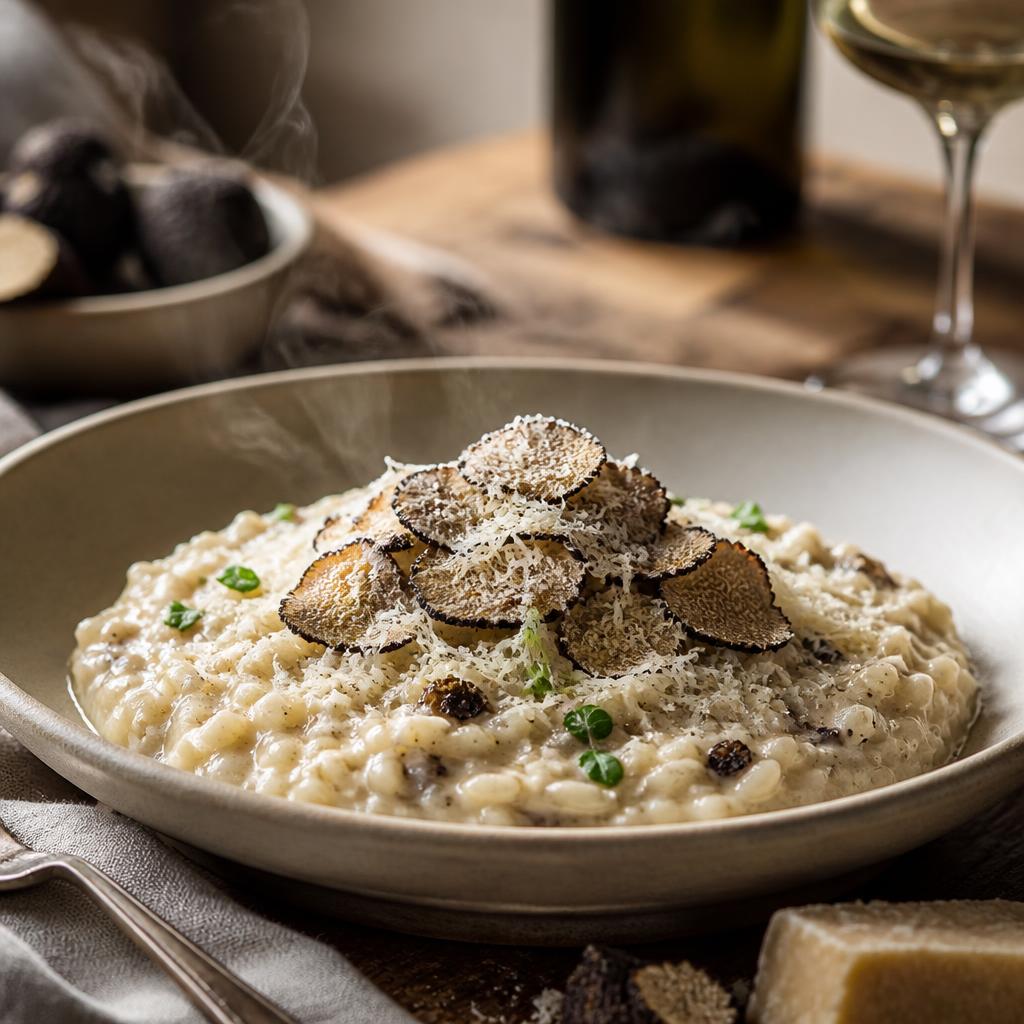
Give your dishes the presentation they deserve. LuminaDine’s AI Studio helps turn menu content and food photos into a polished digital experience.
Parse existing menu content so your team can review and organize it.
Draft descriptions that reflect the dish and your restaurant’s tone.
Generate imagery or enhance uploaded photos. Review before publishing.
Keep the guest relationship connected at every step.
Guests open your branded menu from a QR code, NFC tag or link.
Accept reservations and give your team the details before guests arrive.
Check guests in and connect their visit to a Guest Card and profile.
Bring visit history, preferences and feedback into the Customers Hub.
From a neighbourhood café to a restaurant group, keep your identity at the heart of the experience.
Find your fitMake the menu feel like an extension of your restaurant.
Help guests explore your menu with language options.
Bring guest requests and feedback to your team.
Manage roles and access as your restaurant grows.
LuminaDine is built in Toronto, Canada, by a team that understands independent restaurants — and answers its own email.
A Canadian company, working with restaurants in their own time zone and currency.
Reach us at info@luminadine.com — we typically reply within one business day.
Large, easy-to-read digital menus for every guest — and a printable paper menu always available as a backup.
LuminaDine connects the guest-facing side of your restaurant: digital menus, reservations, Guest Cards, check-in, customer profiles, feedback and insights. AI tools help your team prepare menu content and food imagery.
No. LuminaDine works alongside your existing setup. It focuses on the guest experience and customer intelligence; it does not replace your POS, inventory, payroll or accounting system.
No. Guests open your branded experience in their browser by scanning a QR code, tapping an NFC tag or following a link.
Your team can parse menu content, draft dish descriptions, generate food images and enhance uploaded photos. Review the results before publishing them to your menu.
Yes. Open the guest demo to browse a sample restaurant menu, or explore the dashboard demo to see the restaurant workspace. Demo content is illustrative.
Explore the guest experience, then step into the restaurant workspace.